Download MySQL Server and Workbench.
One click and you are on Oracle's own servers. That is the whole job.
Independent project — not Oracle. Both rows resolve to the official MySQL download servers; SQL Mirror hosts no files.
Latest official release: MySQL 9.7.2 LTS (previous LTS still supported: 8.4.11) · MySQL Workbench 8.0 · checked live from the vendor on .
See MySQL Workbench before you install it
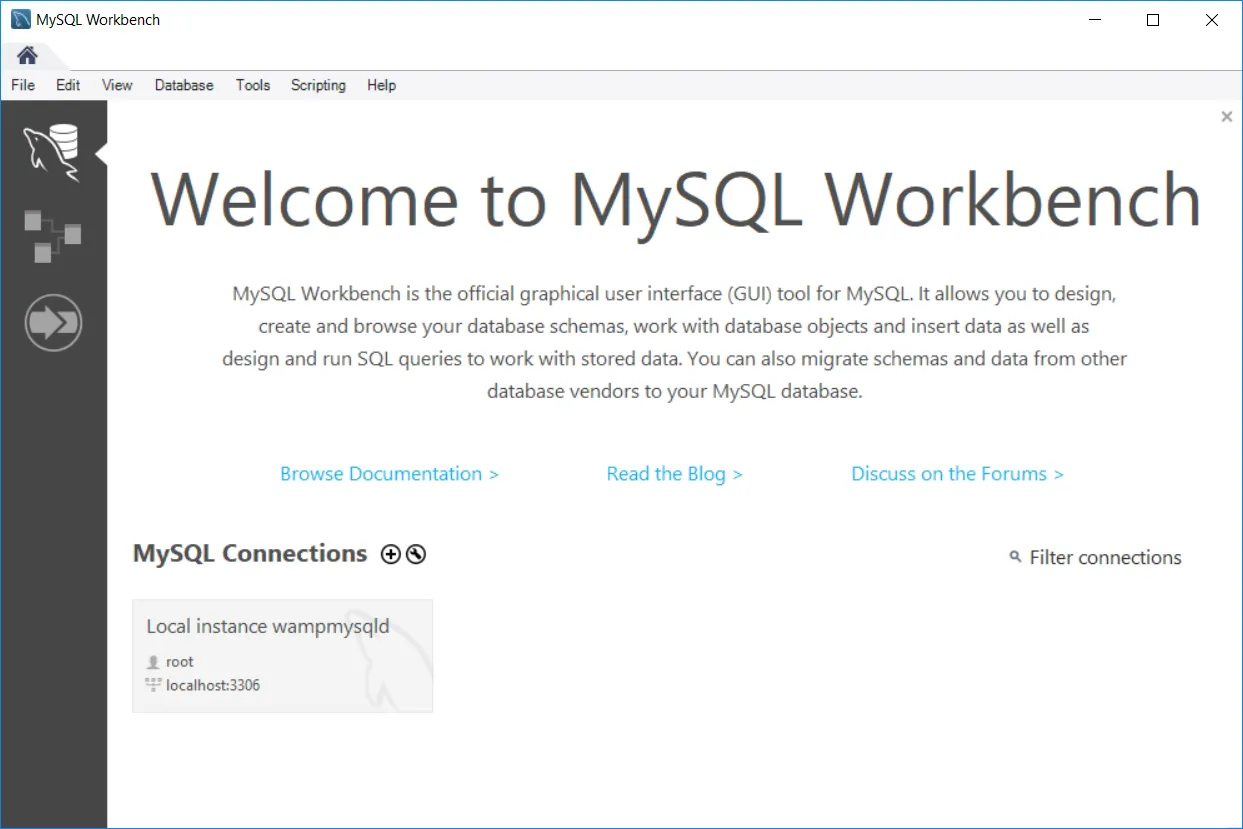
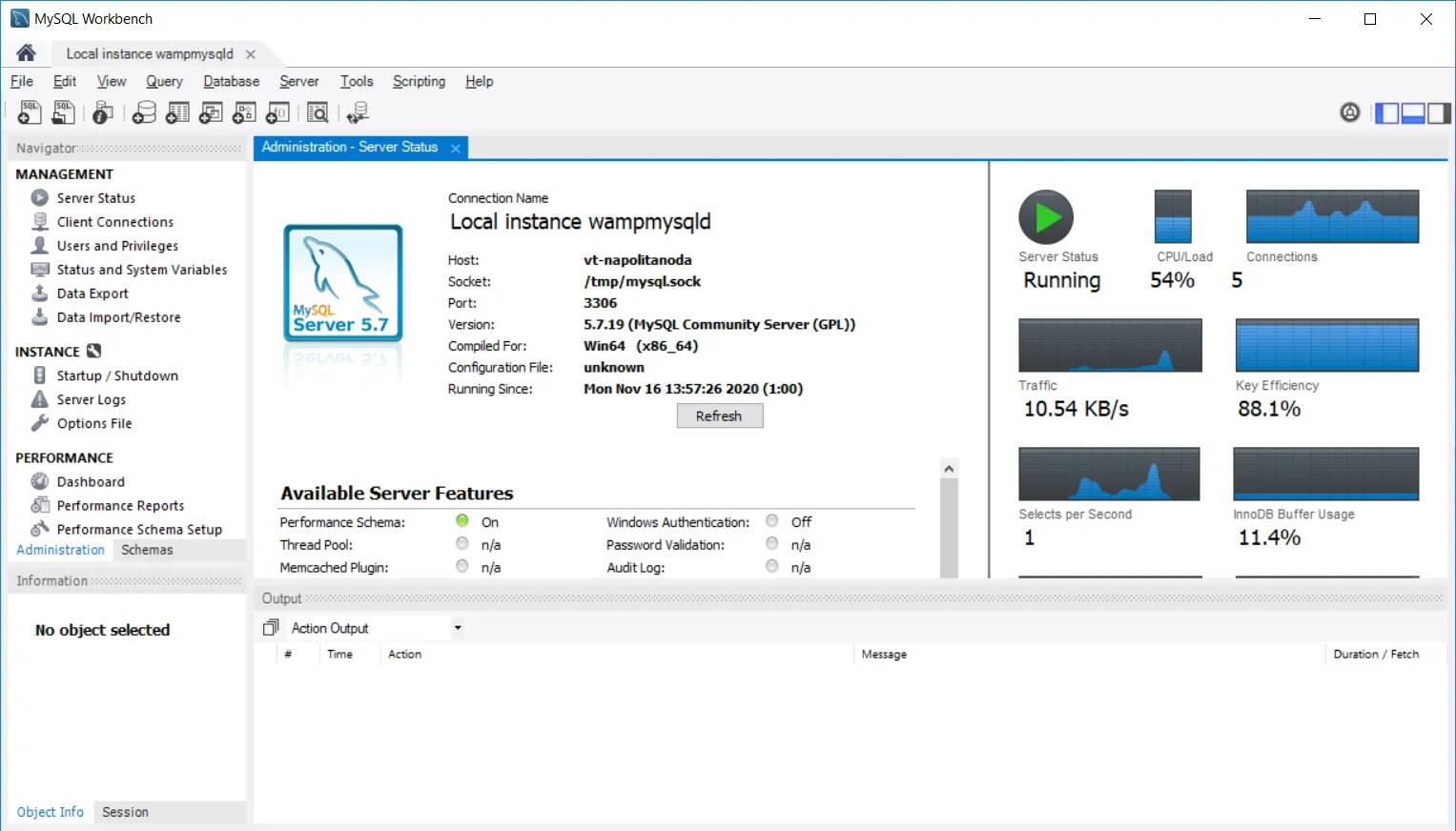
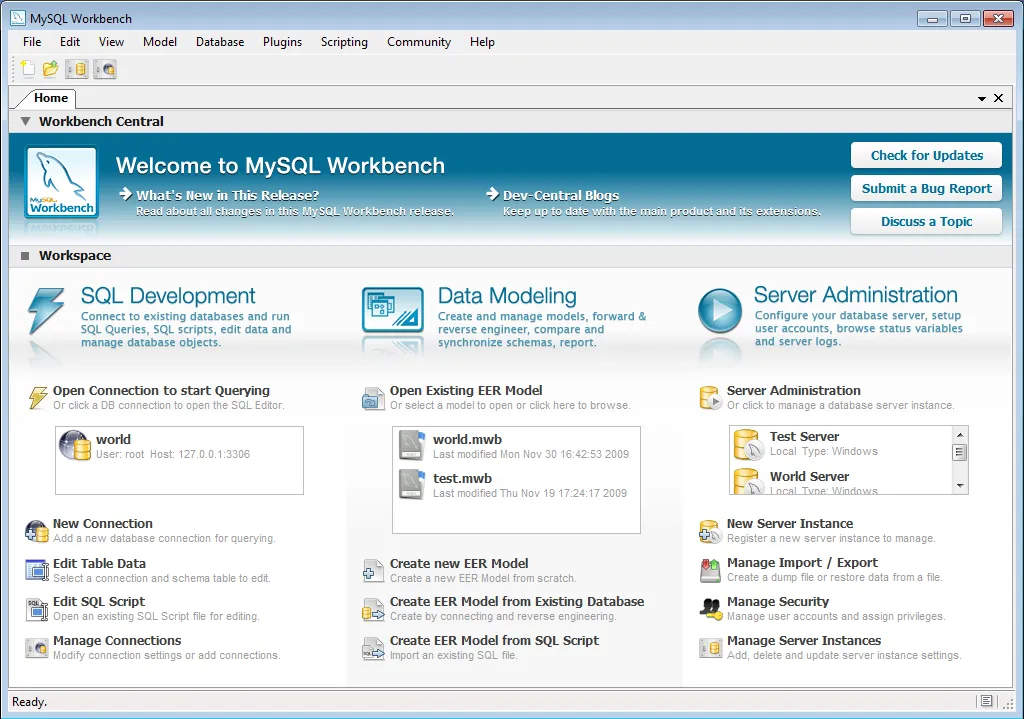
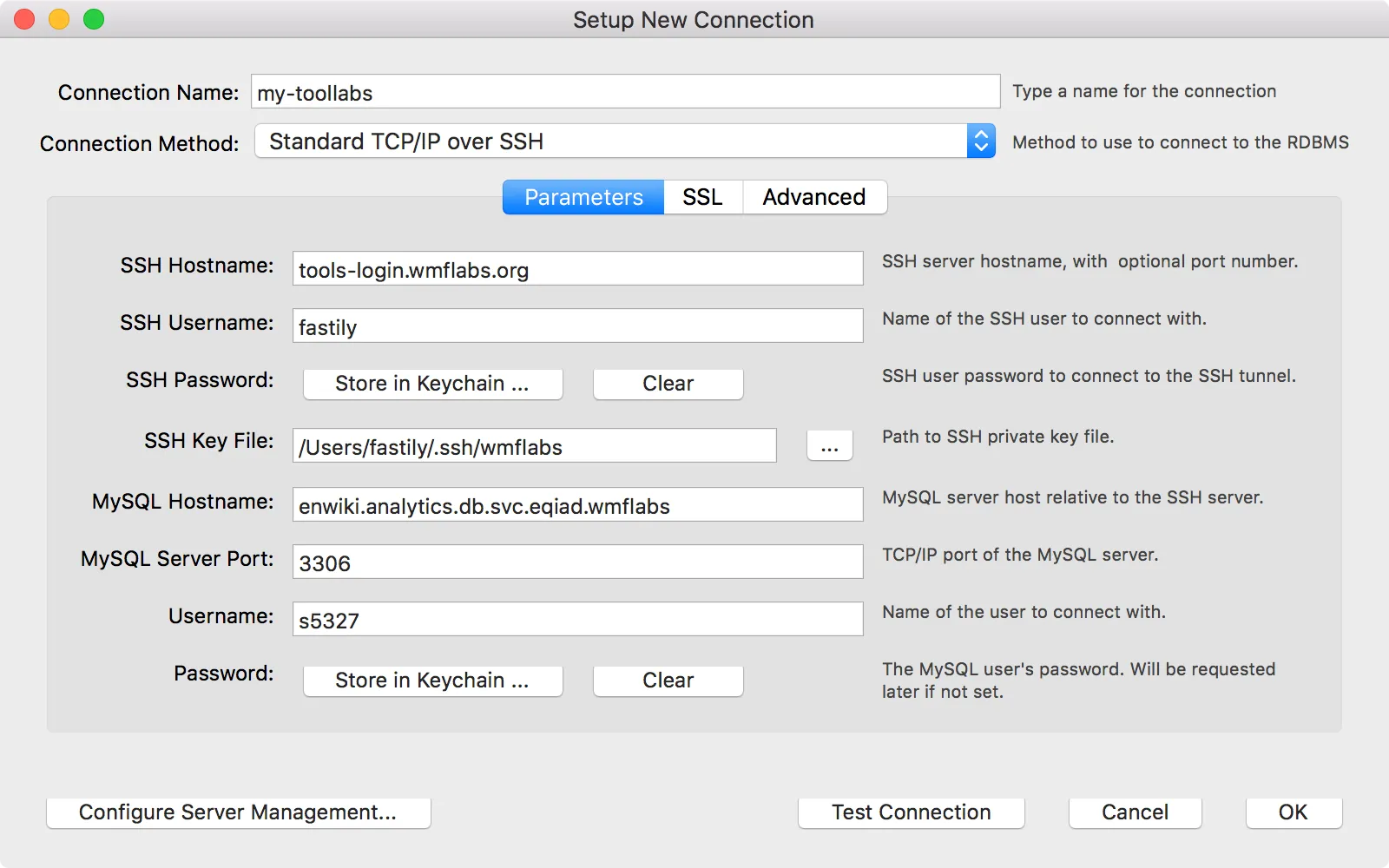
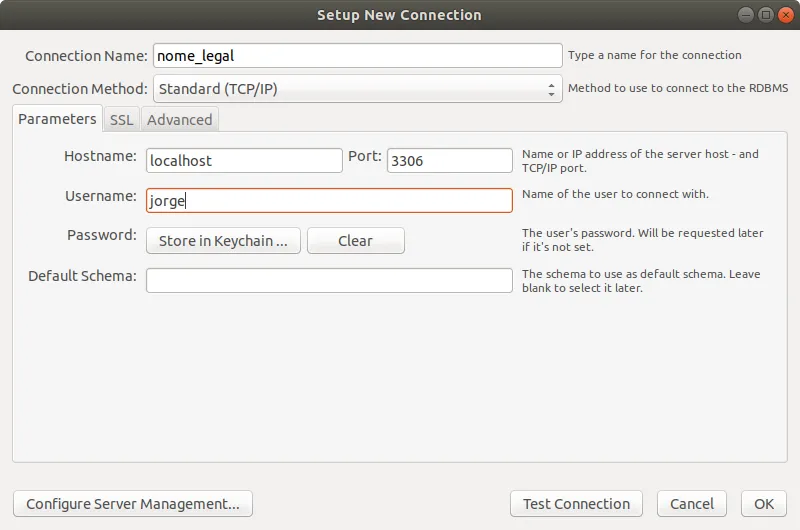
Five real screenshots of MySQL Workbench, via Wikimedia Commons (GPLv2 and CC BY-SA). Click any to see it full size.
MySQL Server or Workbench: which do you need?
MySQL Community Server
The database itself: the engine that stores and runs your data. It has no window and works in the background. Setting up MySQL for the first time? This is the one you need.
MySQL Workbench
The optional visual tool for writing SQL, designing tables, and browsing data. Genuinely handy, but not required: plenty of people run the Server with just the command line. If you do want it, you can download MySQL Workbench here, alongside the Server.
| MySQL Community Server | MySQL Workbench | |
|---|---|---|
| What it is | The database engine that stores and runs your data | A visual desktop app for writing SQL and browsing data |
| Do you need it? | Yes — this is the actual database | Optional — the command line works without it |
| Interface | Runs in the background, no window | Full graphical interface |
| Latest version | 9.7 LTS (also 8.4) | 8.0 (current release) |
| License & price | GPLv2, free | GPLv2, free |
Installing for the first time? On Windows the MySQL Installer for Windows bundles both. On a Mac, follow the guide to download MySQL for macOS (.dmg or Homebrew). On Linux, see download MySQL for Linux for the official APT and YUM repository commands.
Build your exact MySQL download.
Three quick questions, or write a query. Either way you get the precise official package.
- Choose a toolPick MySQL Community Server (the database engine) or MySQL Workbench (the visual tool).
- Choose your systemPick Windows, macOS, or Linux.
- Choose a versionPick a version, then click the download button. SQL Mirror redirects you to the official installer on Oracle's servers.
Faster: just ask for it.
the actual story
Four minutes for one file.
Last March I set up a fresh laptop for a side project and needed MySQL. It took four minutes: the OS dropdown, an edition I did not want, the "Begin Your Download" page, then hunting for the "No thanks, just start my download" link tucked at the bottom. Four minutes, for one file.
That same evening I built the first version of SQL Mirror so I would never do that again. It does exactly one thing: sends you straight to the official file. I keep a count of downloads and visitor countries, because watching the number tick up is genuinely fun. Everything else, I stay out of your way.
— Sam, still maintaining it
What's changed.
A cooler, calmer look. Reworked the palette to a soft slate and steel-blue, and kept the five real Workbench screenshots so you know what you are installing.
Added the query box. Typing SELECT mysql FROM download to get a database made me laugh, so it stayed.
Launched. One page, two downloads, no clutter. Built it in a weekend.
Honest answers.
How do I download MySQL for Windows?
Click Download MySQL for Windows in the downloads box up top. SQL Mirror jumps you to the official MySQL Installer on Oracle's servers — the single .msi that can install both MySQL Community Server and MySQL Workbench. No Oracle account, no signup.
Is this an official Oracle site?
No. It is my independent project, with no affiliation to Oracle. Every download button is a direct link to Oracle's own servers at dev.mysql.com — SQL Mirror adds nothing to the URL and hosts no files. You can confirm this by hovering any download button before you click it.
Do I need an Oracle account to download MySQL?
No. SQL Mirror sends you straight to the official installer, with no Oracle account and no signup. That goes for both MySQL Community Server and MySQL Workbench.
How do I download MySQL for macOS?
Pick macOS in the builder and SQL Mirror redirects to the official .dmg on dev.mysql.com. Apple-silicon and Intel builds are both there. If you prefer the command line, brew install mysql works too — the full guide to download MySQL for macOS has the steps for both.
How do I download MySQL on Linux?
Pick Linux in the builder for the official Generic Linux tarballs. For most distros the cleanest path is Oracle's APT or YUM repository — still official MySQL, with automatic updates. The guide to download MySQL for Linux has the exact apt and dnf commands.
Are the files safe?
Yes. Every button sends you to Oracle's own servers, so you get the exact same verified installer as dev.mysql.com.
Why not just use dev.mysql.com?
You can. SQL Mirror is here for when you want the file in one or two clicks instead of several pages.
Is it free?
Completely. MySQL is open-source under GPLv2, and SQL Mirror costs nothing. There is nothing to sell you.